
Ready for Payday Freedom?
Tapcheck allows users to access a portion of their earned wages before payday, as well as financial resources like budgeting tools and savings calculators. Sign up today to get that payday freedom feeling!
Note: Tapcheck is an employer-sponsored benefit and only available to employees whose employers have signed up
4.8
43K reviews
4.6
25.4K reviews
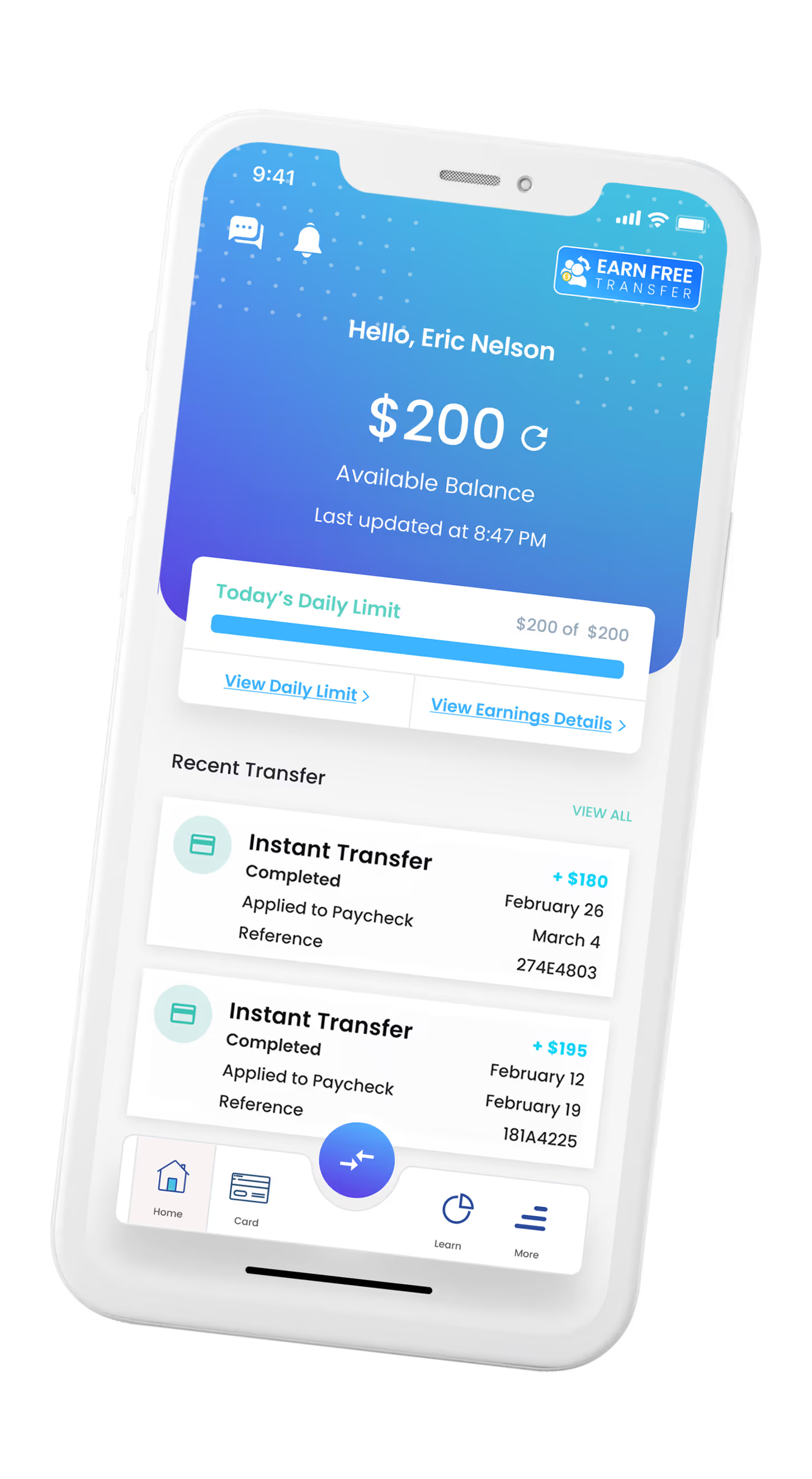
On-Demand Pay Made Easy
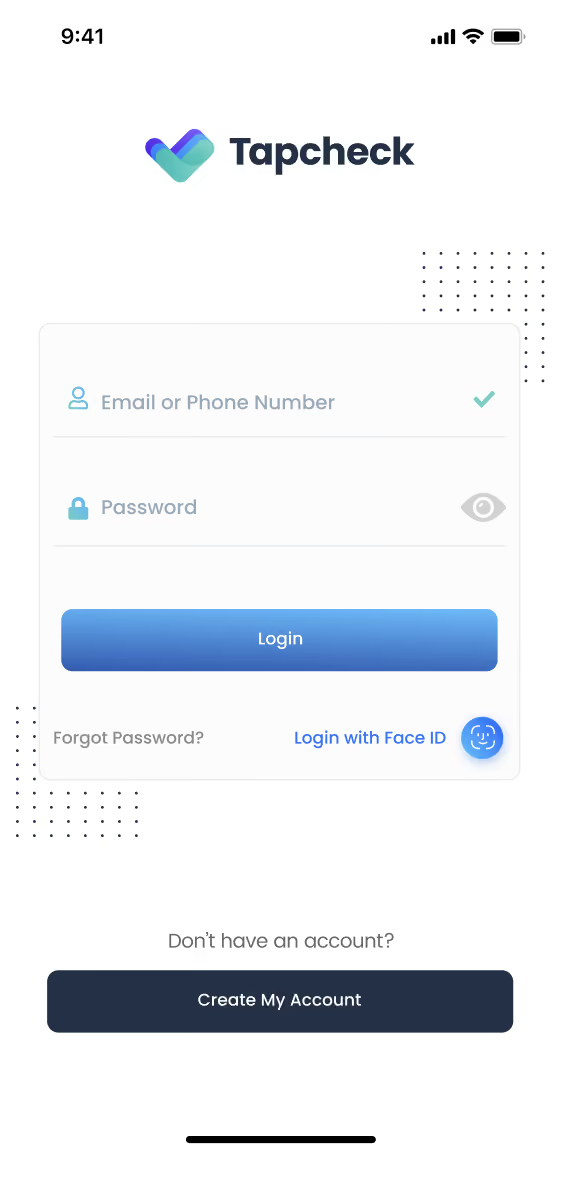
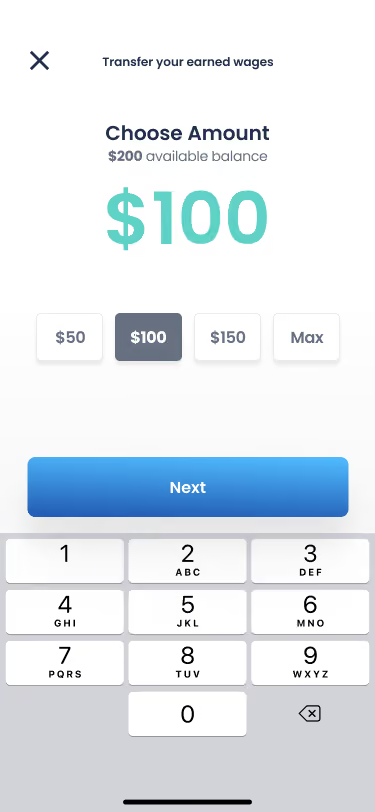
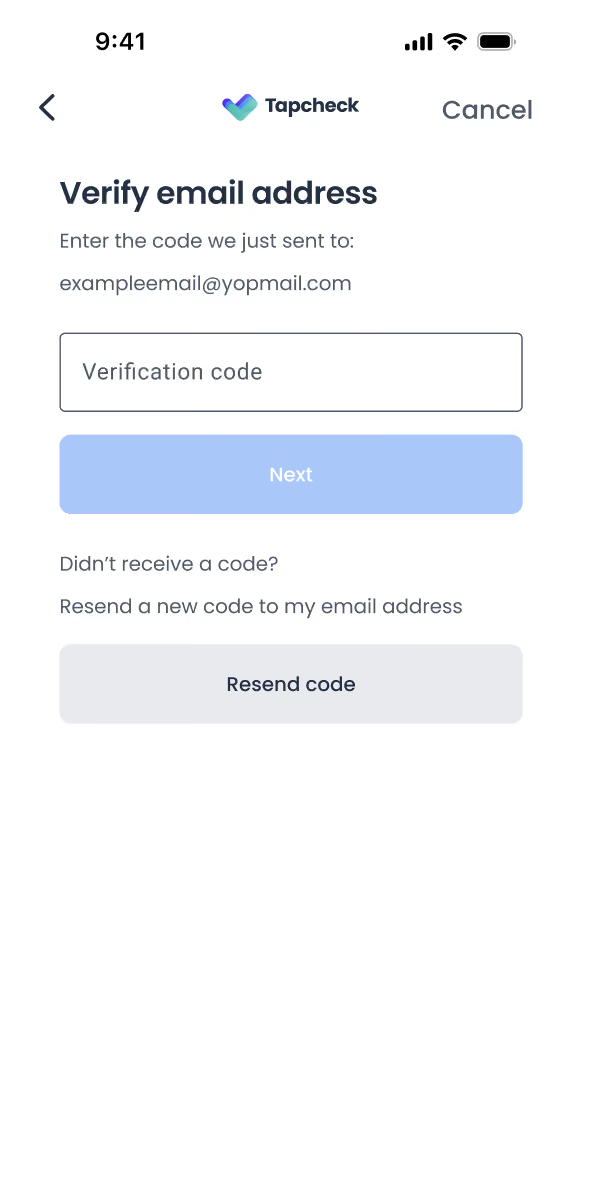
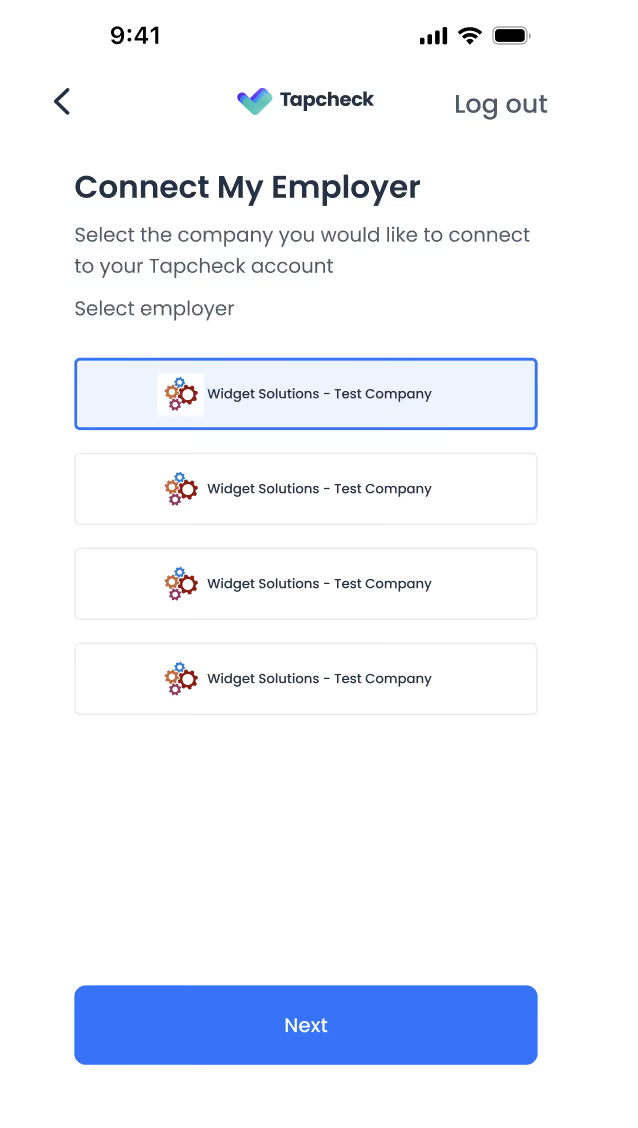
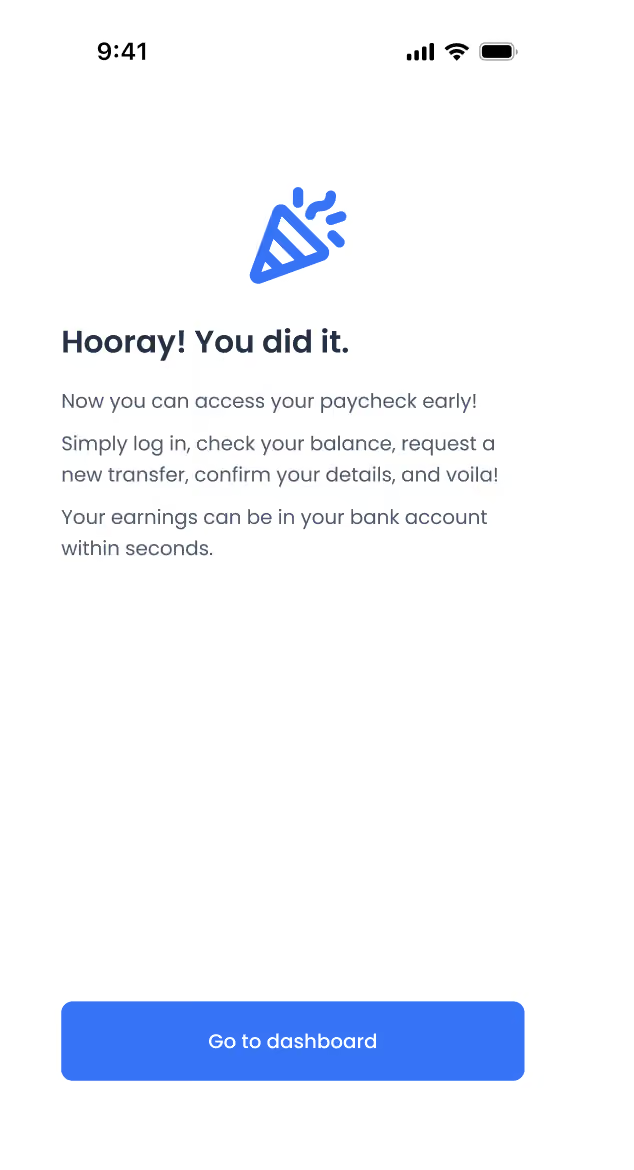
Your Wages, Your Way

FAQ
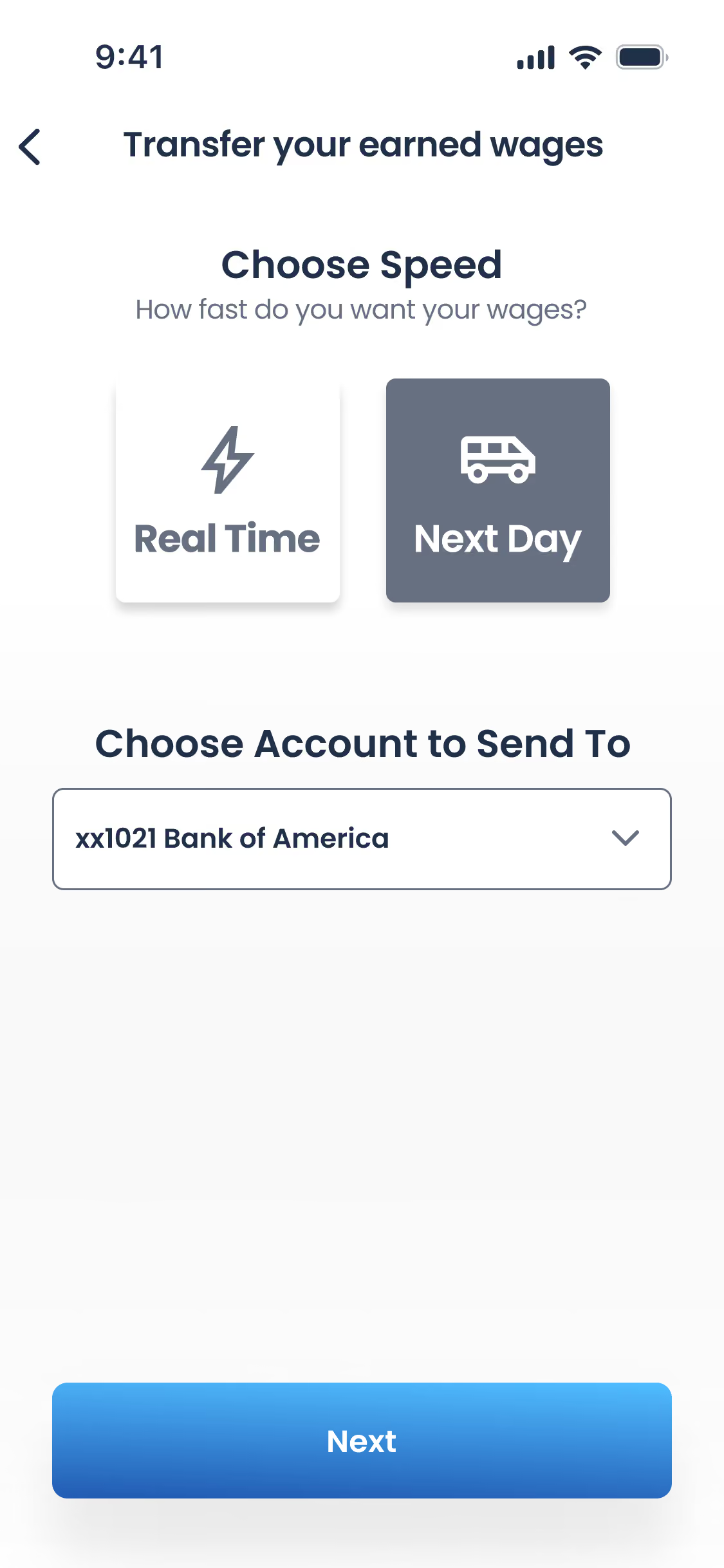
Before setting up your bank account, you'll need to decide between Instant and Next Day transfers. Each option has a slightly different bank account setup process, but both are straight forward!
To learn more about the differences and to find the proper steps for bank account setup, checkout these guides:
- How Do I Set Up Instant Transfers?
- Requires a debit card for bank account set up.
- How Do I Set Up Next Day Transfers?
- Requires a bank routing & account number for bank account set up.
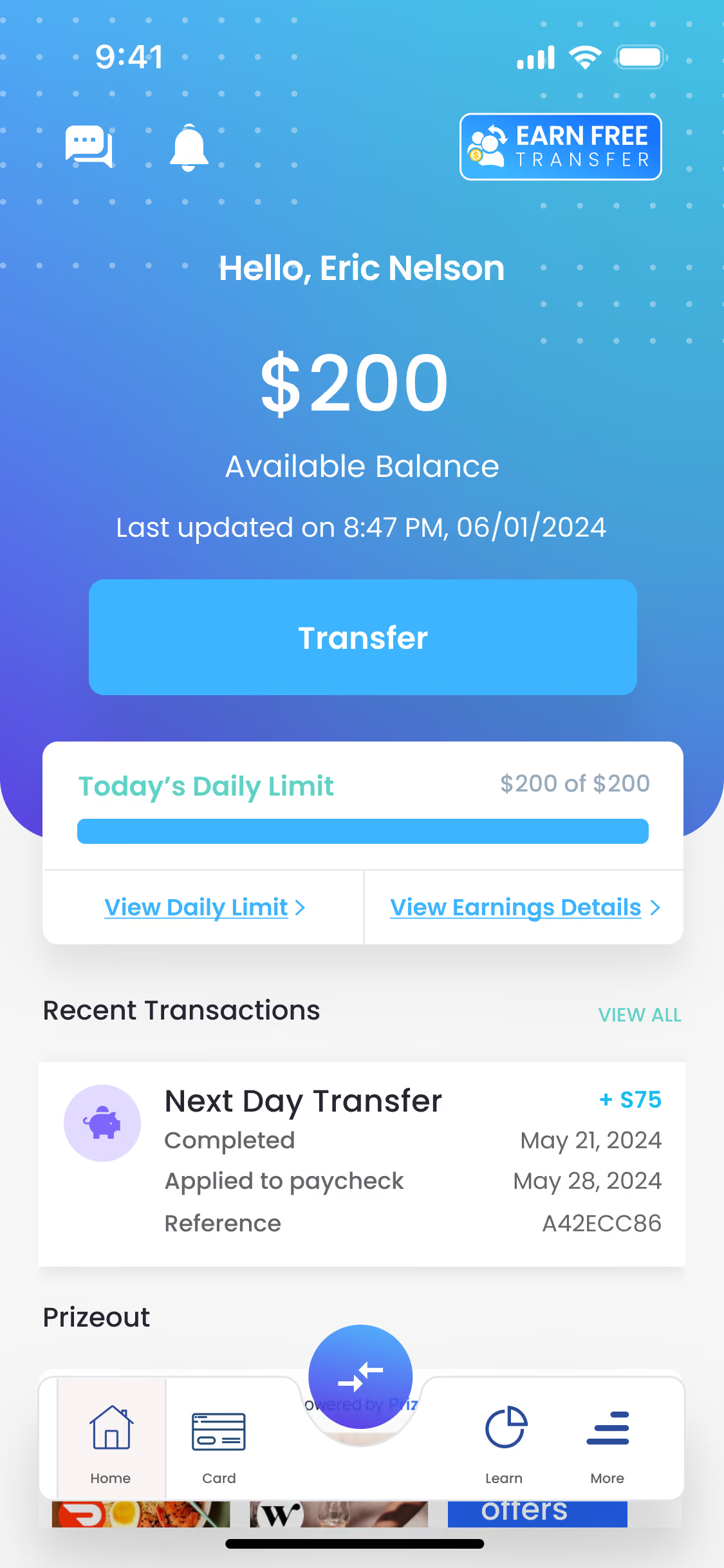
If you’re paid by the hour, your balance in Tapcheck updates at certain times.
This is called the Next Sync ETA. It shows you when your balance will update with any newshifts or hours reported by your job.
Where to View Your Next Sync ETA in the Tapcheck App
- On the Home screen, look right below your Available Balance
- You’ll see the words “Next Sync ETA”
- If the update time is ready, you’ll see the exact time listed.
- If it says “waiting on update”, that means the system is still getting info from your joband will update as soon as it’s ready.
If you need further assistance, these articles could be helpful:
To sign up with Tapcheck, you can either
- Download our app on either your iPhone or Android
- Visit our website www.tapcheck.com
Please Note: Tapcheck is an employer sponsored program; therefore, your employer must beenrolled with us before you can sign up.
You can register Tapcheck on our website!
Tapcheck is available online at www.tapcheck.com.
Employees have the option of using either their computer or tablet to access the programvia our website.
Tapcheck is an employer-sponsored benefit, so your employer must sign up to offer Tapcheckto its employees. There are several possible reasons that may prevent you from creating an account with us on the first several registration steps:
- Your employer is not offering Tapcheck. You can read this article here on how to inform your employer to set up our service.
- Your employer is still processing our service with their system. You can either reach out to your employer or us to check on when our service will golive for you to use.
- You are a recent new hire and your employer is still processing your payroll data in their payroll system. This means that once your employer has completed processing your data, your Tapcheck service will be activated.
- Your personal info does not match the one that is in your payroll record. Unfortunately, we’re unable to make changes to your employer’s HR records from our side.
To resolve this, please log in to your Payroll/HR self-service portal or contact your Payroll/HR department to review your details and have your SSN, DOB, First Name (whatever it is) updated.
Once your information has been updated with your employer, you can log back into your Tapcheck account and complete your registration.
Please note: When logging back in, please be sure to use the same email address and password you originally used when originally attempting to register.
Still Need Help?
1
2

Connect with our support team through in-app chat or in the bottom right corner of our Help Center.
3
Check status updates
Track your support tickets and get real-time updates
What Workers Say About Tapcheck

Jewels_1231
"They have come to my rescue in more ways than one! It's highly convenient and they're always available to answer any questions you may have."
Id awfarm
"It's been a lifesaver more than once for us to be able to get funds on those off-weeks when we needed it."

James S.
"When something comes up and I need a few dollars before payday, this app saves the day for me."
Want to Learn More?
Sign up for a demo of Tapcheck to learn how it can revolutionize payday for your team.

Send a message
Have a question? Need help getting set up? Contact our support team.

Mobile app
Download the mobile app for on-demand pay. Now on iOS and Android.